Built-in games
Chess, Connect Four, tic-tac-toe and Race to 20 are in the Games tab. Play them turn by turn with someone else in the household, each on your own phone, or pick a game and play it alone against a Sprite bot.
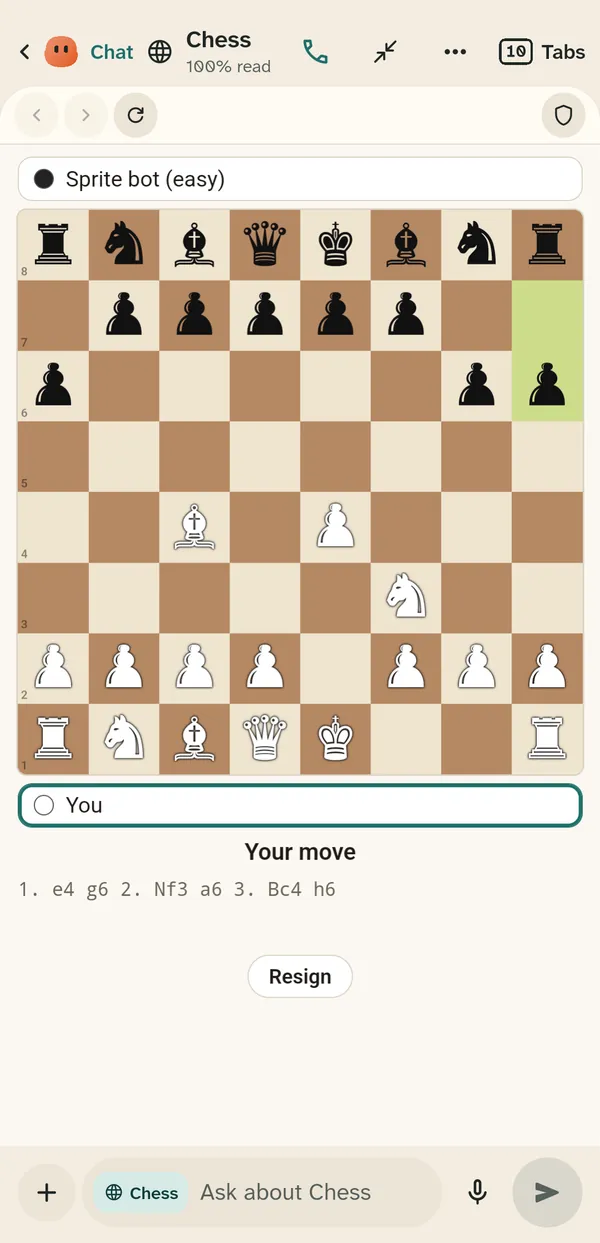
Play chess, Connect Four, tic-tac-toe and Race to 20 with your family, each on their own phone or tablet, or alone against a Sprite bot. With a household agent, ask Sprite for a new game and it builds it, publishes it and sends it to the people you pick.
Chess, Connect Four, tic-tac-toe and Race to 20 are in every plan, Free included. Sprite making new games, parties and published versions run on a Sprite server, which the Server plans add; they are coming soon.
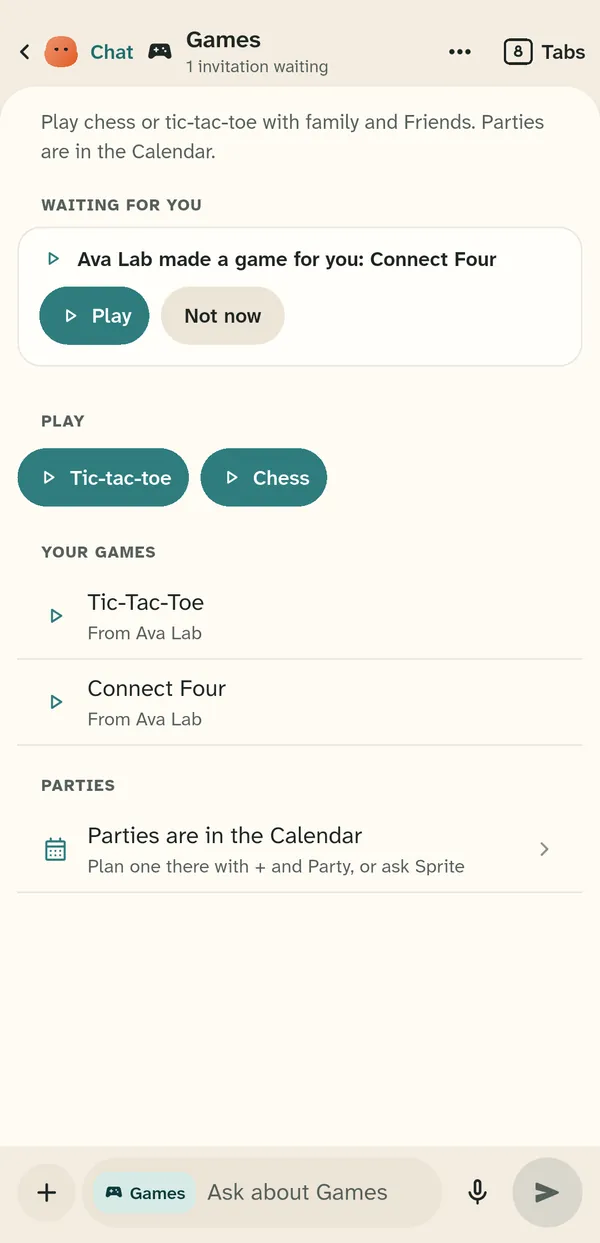
Chess, Connect Four, tic-tac-toe and Race to 20 are in the Games tab. Play them turn by turn with someone else in the household, each on your own phone, or pick a game and play it alone against a Sprite bot.
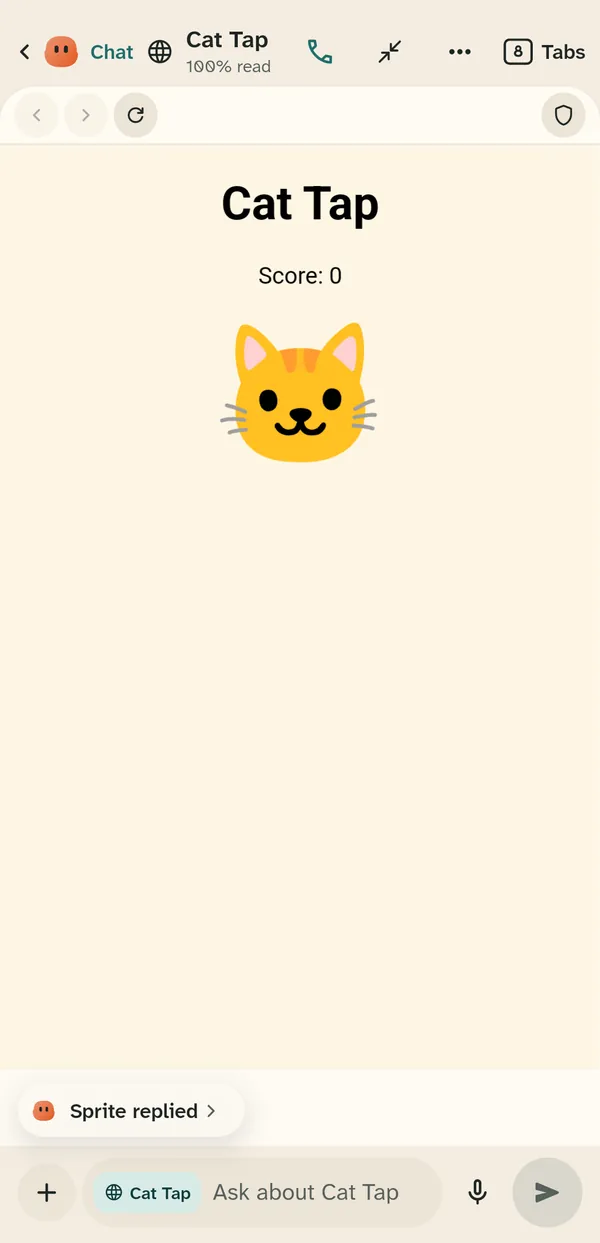
Ask for a game in plain words, such as a cat game for a six-year-old. The household agent writes it, checks it, publishes it to your household and sends it to the people you choose. Games Sprite builds work like real websites: 3D games load their models, textures and sounds.
A kid can ask for a game too. A parent's yes covers building it, publishing it and sharing it in the family.
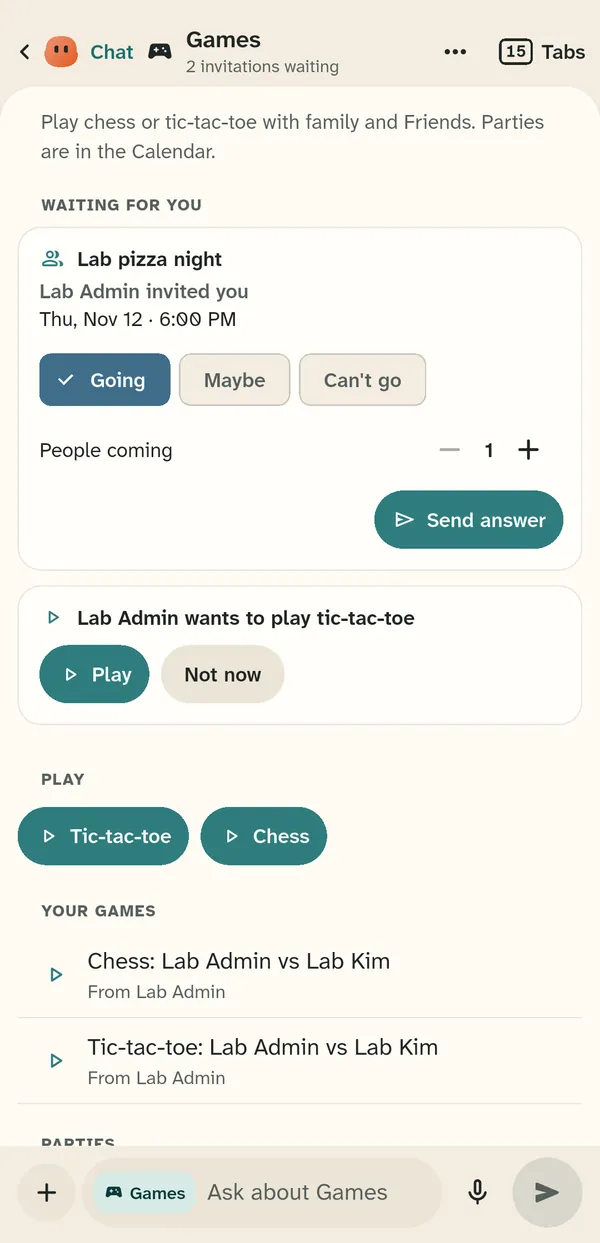
A game someone sends you waits in your Games tab with Play and Not now. A party is a calendar event with invitees: each person answers Going, Maybe or Can't go, and the party can come with a game.
Each time a game or page is published, Sprite keeps that version. In Settings, then Published pages, tap Versions to see who changed it and when, and bring an older version back. A parent can do this for their child's games.
Games and pages run in a sandbox, like a website in a browser tab. They cannot see your account or your other data.